Independents
Escort tour page SEO: get found before you arrive
Most tour pages go live a few days before a trip and disappear after it, which is the wrong way round. A setup that ranks before you arrive and keeps its value between visits.
By the CompanionRanker team · 6 minute read · Updated
Why most tour pages never rank
The usual pattern goes like this. A tour announcement goes up four or five days before the dates, gets shared on a couple of directories, and is deleted the week after. By the time Google has crawled it, half the visit is over. By the time it could have ranked, it no longer exists.
Clients who book ahead search earlier than that. They look up your working name with the city, or they search the city in the weeks before their own trip. A page that exists only for the last few days of your stay misses most of them, and it starts from nothing again next time.
One permanent page per city
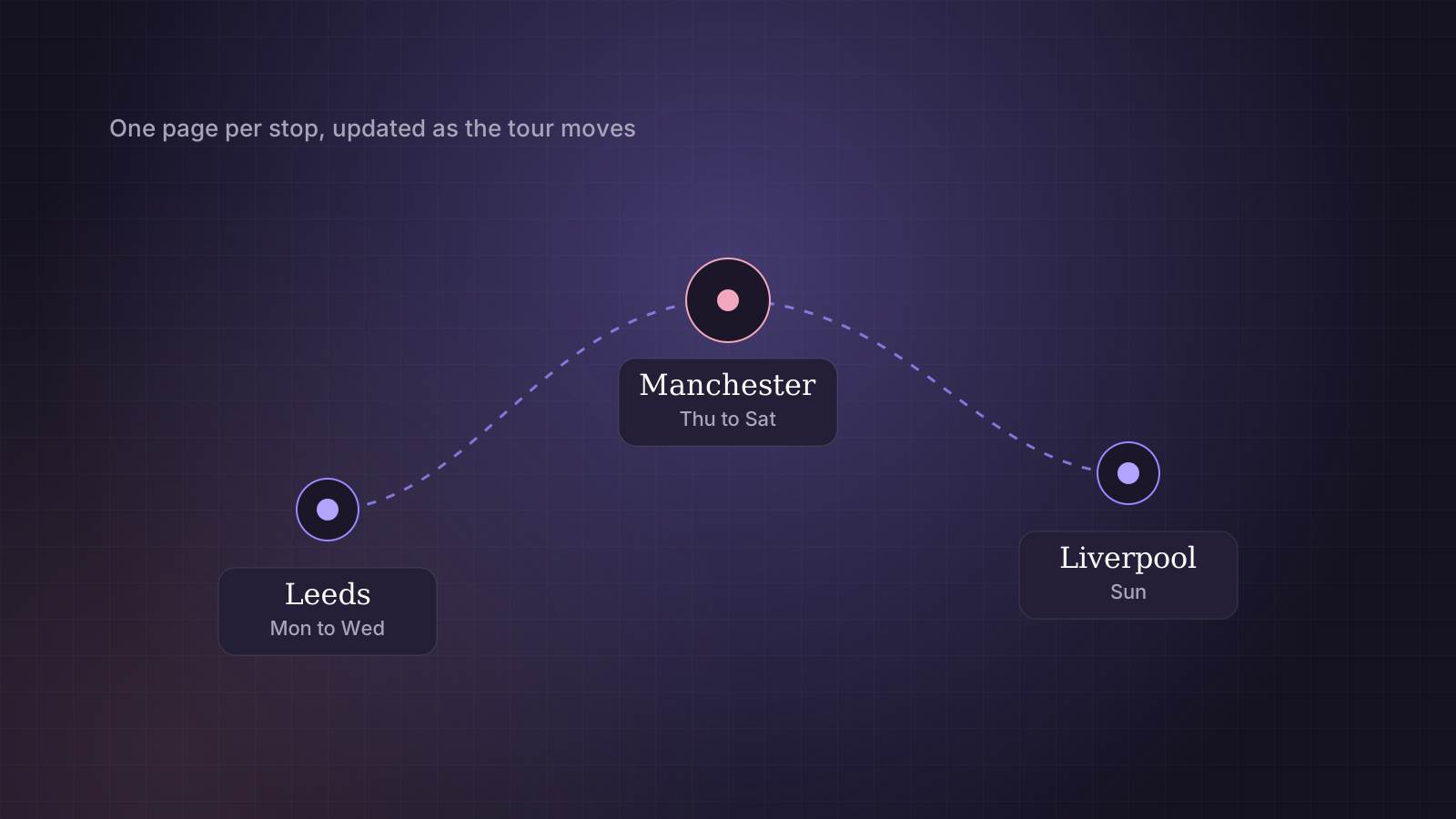
Give each city you visit its own address, such as /tour/manchester/, and keep it. When you return in six months, update the dates on the same page instead of making a new one.
That single change does most of the work. The page builds up history. Links from directories and old announcements keep pointing at something that exists. Returning clients who saved it find current dates rather than an error page.
Avoid addresses with dates or trip names in them, such as /manchester-march/. They look tidy for a week and turn into dead ends.
A short tour hub at /tour/ ties them together: upcoming dates at the top, cities you visit regularly underneath, and a link to every city page. Link to the hub from your homepage, ideally with a small "next dates" block you update each trip.
What goes on a city tour page
Write it as text, not as a poster image. Dates and booking rules inside a graphic cannot be read by search engines and are hard to read on a phone.
- The dates written out in full, and whether they are confirmed or provisional.
- The city and, if you are comfortable with it, a general area. Never the hotel or building.
- How much notice you need for this visit and how screening works.
- Two or three honest lines about you and this city: how often you come, whether you do outcalls there, anything a local client would want to know.
The last point is what makes it a real page rather than a template with the city swapped. "I visit every couple of months and usually stay central" tells a client more than a paragraph about the city's restaurants.
Timing: publish early, then point to it
Update the page two to three weeks before you arrive. Then use the URL Inspection tool in Google Search Console to request indexing for that address, and make sure your sitemap shows the new last-modified date.
Be wary of "instant indexing" plugins and services. Most of them use Google's Indexing API, which Google supports only for job postings and livestream pages, and its spam policies apply to anything submitted through it. Pushing a tour page through it is outside what Google supports, and a successful response only means the request arrived, not that anything was indexed.
Every announcement you post elsewhere should link to the city page on your own site as well as to any directory profile. Tour listings on directories should do the same where the directory allows it. Those links are how search engines learn that your page is the main source for your visit.
Three weeks out: update the city page and request indexing. Two weeks out: post announcements and directory listings that link to it. During the visit: keep availability current. Afterwards: switch the page to its between-visits state.
After the visit
Keep the page. Change it to say you are not in the city right now, when you were last there and how clients can hear about the next visit. It stays useful to anyone who finds it, and it keeps its rankings for next time.
If you are sure you will never go back, redirect the page to your tour hub with a permanent 301 redirect instead of deleting it and leaving an error behind.
Privacy while touring
Tour pages are public on purpose, so they need the same care as the rest of your site. Publish dates and the city, not live updates about where you are at that moment. Take photos for the page somewhere that does not identify the hotel, and remove location data before uploading them.
The working name guide covers the wider privacy checklist. Tour pages are part of what we set up in independent escort SEO. Agencies sending companions on tour usually fold the same idea into their city pages instead, and prices for both are on the pricing page.
Questions we are asked
How far ahead should a tour page go live?
Two to three weeks is a sensible minimum. Updated pages can take days to be recrawled, and clients who plan ahead start searching well before your dates.
Should I list the hotel I am staying at?
No. Give the city and, if you are comfortable, a general area. The exact venue is shared privately once a booking is confirmed. It makes no difference to rankings and it protects you.
Can an "instant indexing" plugin get my tour page indexed faster?
Not legitimately. Most of these plugins use Google's Indexing API, which Google only supports for job postings and livestream pages. Use Search Console's own request indexing option and an accurate sitemap instead.