Directories
Faceted navigation SEO for escort directories
Every filter on a directory multiplies its URLs. Google now documents how it wants sites to handle that. How to measure the damage on your own site and which control fits which filter.
By the CompanionRanker team · 5 minute read · Updated
Why filters become an SEO problem
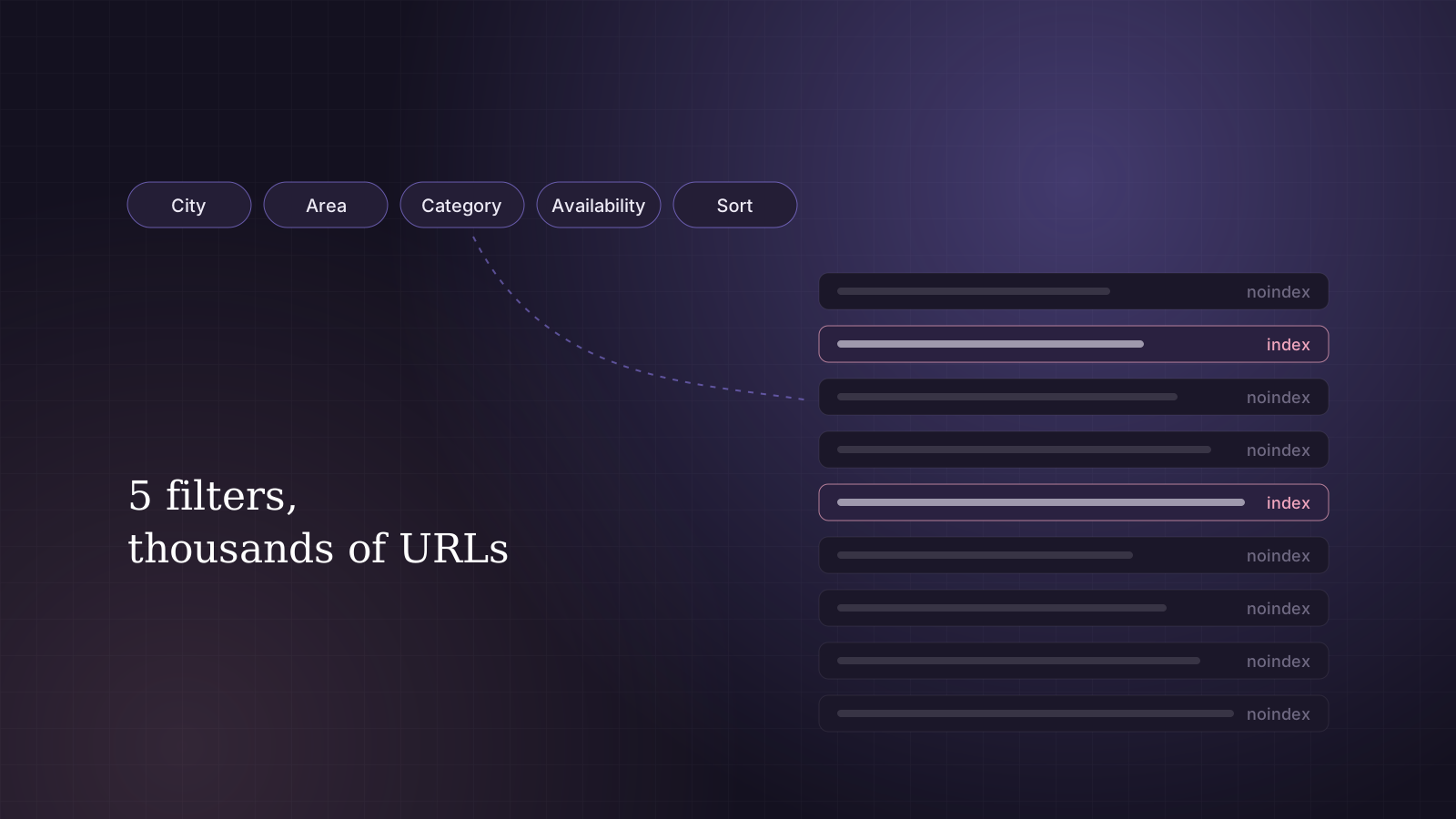
Filters are useful to visitors. On an escort directory they usually cover area, category, availability, age range and sort order. The trouble is that each combination of choices produces its own URL, and crawlers cannot tell whether a new URL is worth anything until they have fetched it.
Google's own documentation on faceted navigation names the two results. Crawlers spend a very large number of requests on filter URLs before concluding they are useless, and while they do, new pages that matter are discovered more slowly. On a directory, that means new profiles and updated city pages waiting behind thousands of filter combinations.
Measure it before you fix it
Guessing leads to the wrong fix. Three sources, compared side by side, show the real picture.
- Server logs for the last thirty days, grouped by which parameters appear in each URL Googlebot requested. This is the only source that shows actual crawling.
- A site crawl with parameter URLs allowed, grouped the same way, to see how many filter URLs your own links create.
- Search Console's page indexing report, looking at crawled and discovered pages that are not indexed, to see how many have already been noticed.
The number that decides priority is simple: what share of Googlebot's requests go to filter URLs, compared with the share going to live profiles and city pages.
The controls, and what each one does
These tools are often treated as interchangeable. They are not. Each acts at a different point, which is why choosing the wrong one can make things worse.
| Control | Stops crawling? | Stops indexing? | Best for |
|---|---|---|---|
| robots.txt disallow | Yes | Not reliably | Filter patterns you never want crawled |
| noindex | No | Yes | Clearing out filter pages already in the index |
| Canonical tag | No | A hint only | Near-copies, such as the same list in another sort order |
| URL fragments (#) | Yes, in effect | Yes, in effect | New builds where filters can be applied in the browser |
| No crawlable link | Mostly | Mostly | Sort orders and minor filters |
Two details catch people out. A URL blocked in robots.txt can still appear in results without a description if other pages link to it. And a noindex tag only works if Google is allowed to fetch the page, so it does nothing for crawl load.
Filter combinations worth indexing
Not every filter page is waste. A small number match searches people really make, such as a category within a large city. Those can be real landing pages, built with the same care as any city page, as long as they meet a standard: they reliably list enough live profiles, and they carry some written content for that combination.
For those pages, Google's guidance asks for a few technical basics. Use the normal & separator between parameters, keep filters in the same order every time so each combination has one URL, and return a 404 when a combination has no results rather than a normal page saying nothing was found. Better still, give the chosen few clean paths, such as /manchester/category/, and treat everything else as a filter.
A rollout that does not backfire
The most common mistake is doing everything at once. Blocking a large set of filter URLs in robots.txt on the same day as adding noindex to them means Google never sees the noindex, and the indexed pages stay put.
- Stop creating new crawlable links to sort orders and minor filters.
- Add noindex to filter pages that are already indexed and wait for them to drop out.
- Once they have gone, move those patterns into robots.txt to cut the crawling as well.
- Give the few filter combinations worth keeping clean URLs and proper content.
- Change one pattern at a time and watch the logs for two to four weeks before the next.
The page structure these rules sit inside is covered in our directory architecture guide. The work itself, written up as tickets your developers can ship, is part of our directory SEO service, and the pricing page shows what the directory package includes.
Questions we are asked
Can I use robots.txt and noindex on the same URLs?
Not usefully. If robots.txt blocks a URL, Google cannot fetch it, so it never sees the noindex tag. Use noindex first on filter pages that are already indexed, then block them once they have dropped out.
Does noindex save crawl budget?
No. Google still has to request a page to read its noindex tag. It keeps pages out of the index, but only robots.txt or not linking the URLs at all reduces crawling.
Does Search Console still have a URL parameters tool?
No. Google retired it in 2022, so parameter handling now has to be done on the site itself.